Brimstone · Custom games
Stop memorising lineups
the old way.
Plant · F7 · Walk · F8 · Throw

Find a throwing position
after the spike is planted
Show my lineup
once you are standing on one
- Maps
- 7
- Lineups
- 156
- Confirmed
- 100%
Field / Screen 2 · No overlay
Wait / In development
01 / The old way
Stop pausing videos.
Start throwing.
02 / How it works
Two keys.
That’s the whole app.
Press it after the plant
Plant in a custom game. Every throwing spot for it, numbered. Walk to the nearest one.
It reads the minimap
One screenshot tells it the map and where the spike is. There is nothing to set up.
Press it on the spot
Where to stand, what to aim at, and how long the molly takes to land.
03 / On screen two
Everything you need.
Nothing over your game.
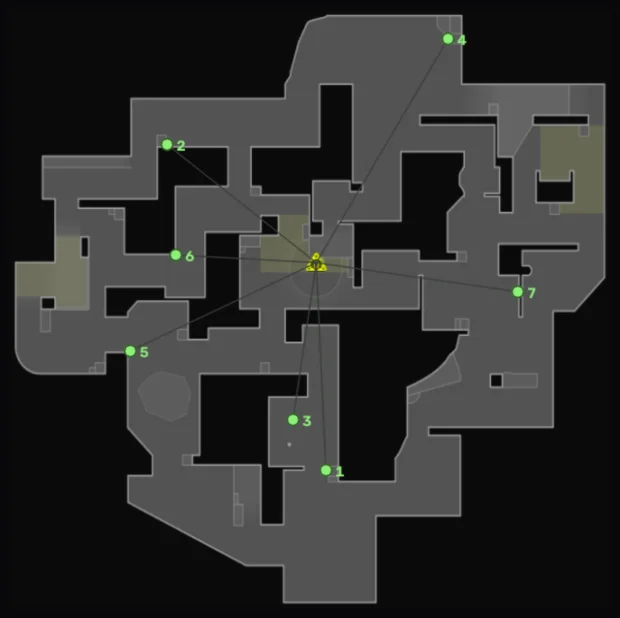
F7
Plant map
The map with every throwing spot for this plant, numbered. It answers one question: which way do I walk.
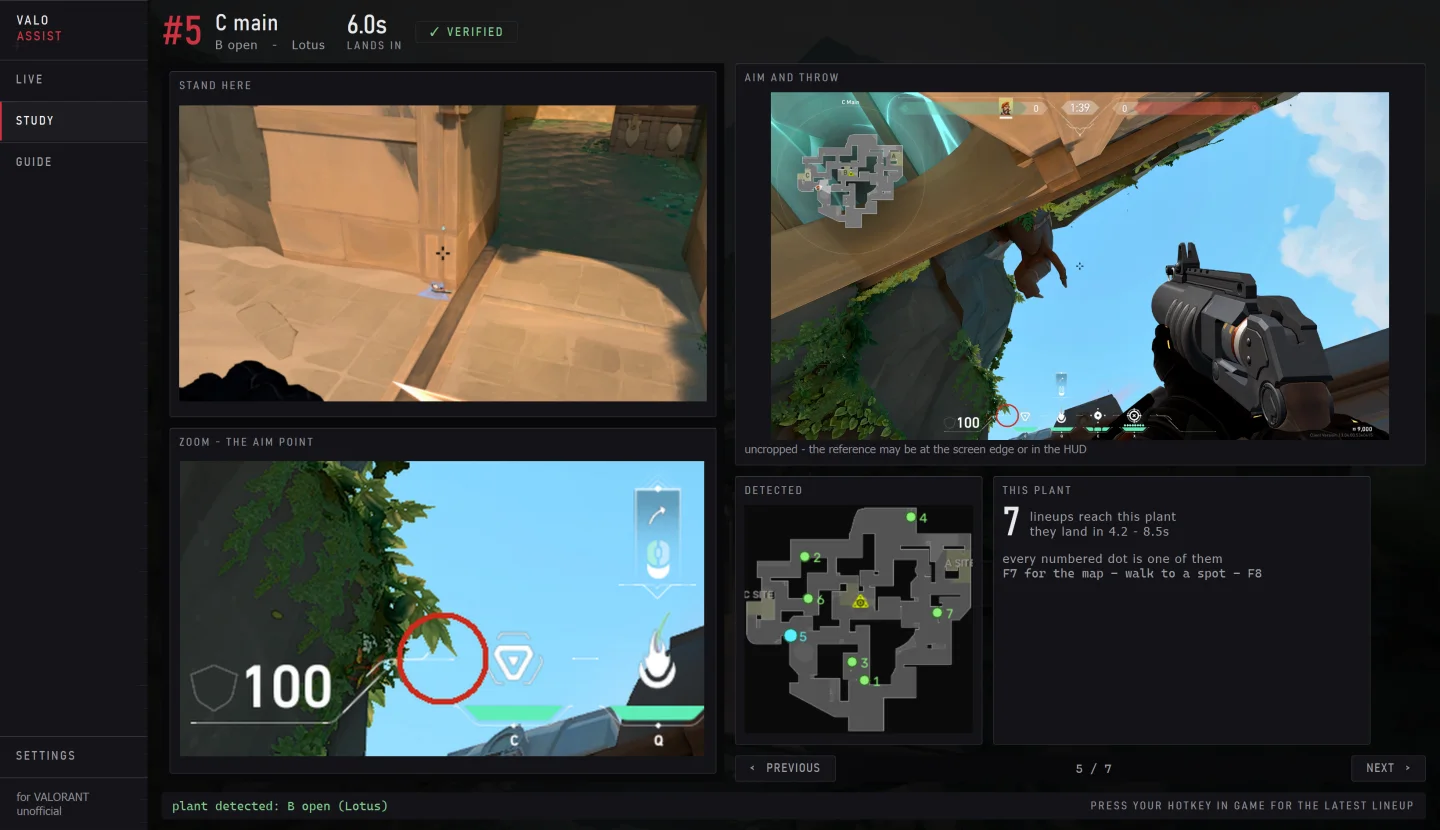
F8
Your lineup
Where to stand, the exact aim point, and how long the molly takes to land. It shows the lineup for the spot you are standing on.
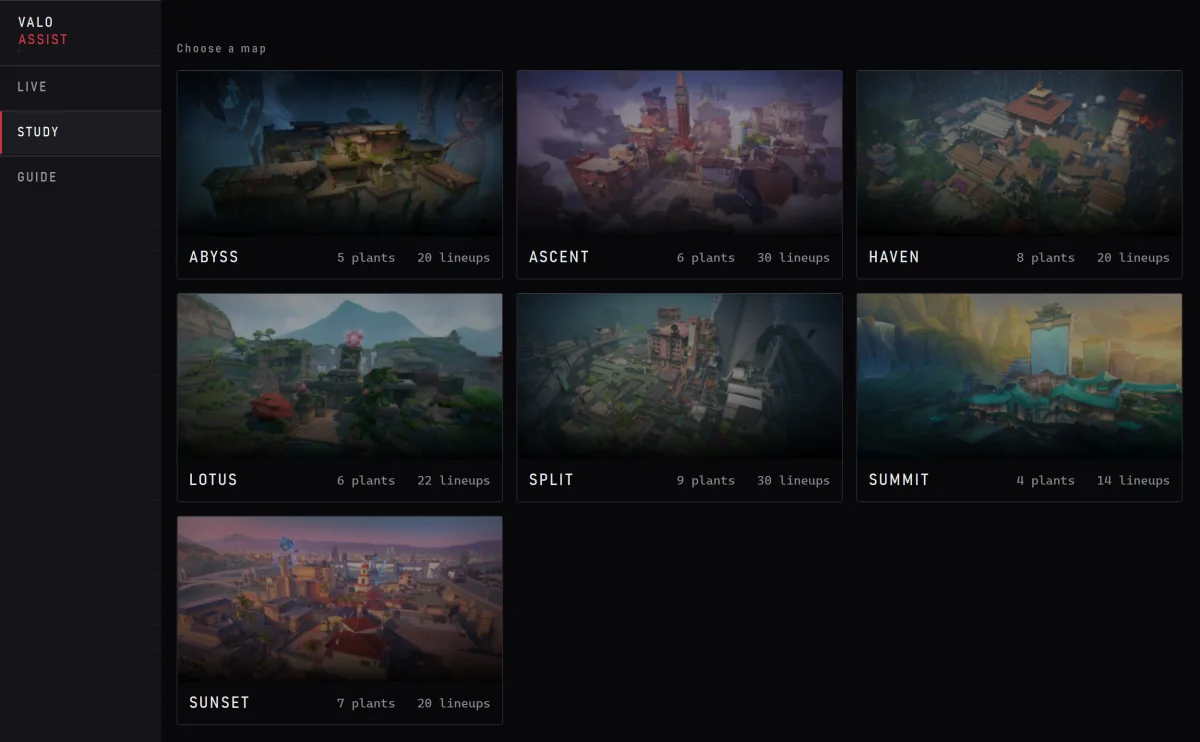
Study
Study mode
Browse every map and plant with the game closed. Pick by picture, not by name.
04 / Clean by design
Nothing over your game.
Nothing hidden either.
What it looks at — the full list
- One screenshot, taken only when you press your key.
- The minimap in that screenshot — to find the map and the spike.
- Your two hotkeys.
- Its own lineup library, stored on your PC.
What it never does
- No overlay — nothing is drawn over VALORANT. It is an ordinary window you alt-tab to, or put on a second screen.
- No automation — it never sends input to the game.
- No game memory or game files — screen capture only.
- It never injects anything into the game.
- It hides nothing from anti-cheat, and never tries to get around it.
- Nothing runs in the background between your keypresses.
ValoAssist is independent. Riot Games has not checked it or approved it. The lists above are what our app does — they are not a claim about what anyone else thinks of it.
05 / The library
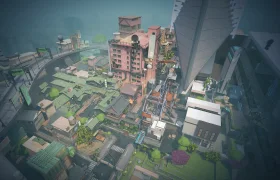
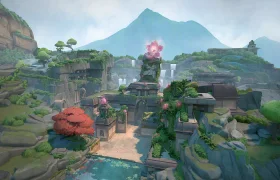
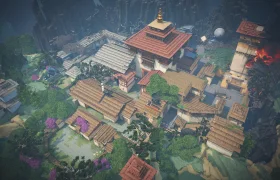
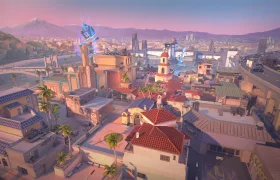
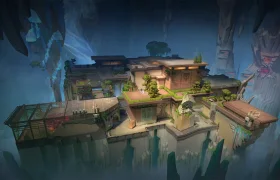
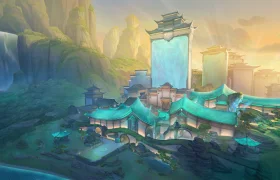
7 maps.
156 lineups.
Post-plant lineups for Brimstone’s Incendiary. We recorded and threw every one ourselves.
06 / Pricing
One price.
Everything in.
You need Windows 10 / 11 VALORANT
€6.00 / month
7-day free trial- All 156 lineups on seven maps
- New lineups and agents as they are added
- Live mode and Study mode
- Your money back within 14 days — refund policy
- We answer the emails ourselves — there is no helpdesk
Prices are in euros, and tax is added where it applies. We are showing the price now so you know it before release.
Does it touch the game?
No. It draws nothing over VALORANT, never sends input to the game and never reads game memory or game files. It takes one screenshot when you press your key — that is all it sees. The one thing it does listen for is the hotkey you chose, the same way Discord or OBS does.
Do I really need a second monitor?
No. It opens on your second screen if you have one, and on your only screen if you do not — alt-tab to it, the same as Discord. Nothing is ever drawn over the game either way. Two screens is simply better: the lineup stays in view while you play.
What do I have to set up?
Only your two hotkeys. Minimap size, zoom, Rotate or Fixed, resolution and the map you are on are measured every time you press.
Which agents and maps?
Brimstone’s molly, post-plant, on Ascent, Split, Lotus, Haven, Sunset, Abyss and Summit. More agents are next.
What if no lineup reaches the spike?
It tells you straight: the spike is not planted where any of your lineups land, and how far the nearest one is. A guess never looks like a reading.
Can I use it with the game closed?
Yes. Study mode lets you browse every map, plant and lineup at your own pace.
How do I pay?
Nothing is for sale yet, so there is no checkout on this site. When it opens it will be a monthly subscription through an established payment provider, and we will name it here before anyone is asked to pay. Every plan starts with a 7-day free trial.
Currently in development
Forgot a lineup?
It’s one key away.
There is no public build yet. Leave your email and we will tell you when it opens.
Status Still in development, and there is no public build yet. We plan a paid subscription with a free trial. Nothing on this page is for sale, and we take no payment anywhere on this site.